

Test your work
Your objective
Section titled “Your objective”Here, you will launch your web page, use the Paddle button to buy an item, and complete the checkout process with a test card for payment. Configured webhooks will be fired, so you can check your given endpoint to ensure expected alerts are received.
Prerequisites
Section titled “Prerequisites”Before starting steps on this page, you must have completed the following tasks:
| Task | Section |
|---|---|
| Create a Paddle vendor account | Your Paddle account |
| Create a Paddle sandbox | Your Paddle account |
| Create a subscription plan -or- create a one-time product | Paddle catalog |
| Gather checkout details | The Paddle checkout |
| Import the Paddle JS library | The Paddle checkout |
| Add a Paddle button to your web page | The Paddle checkout |
| Configure Paddle webhooks | Paddle webhooks |
Steps required
Section titled “Steps required”Follow steps below:
-
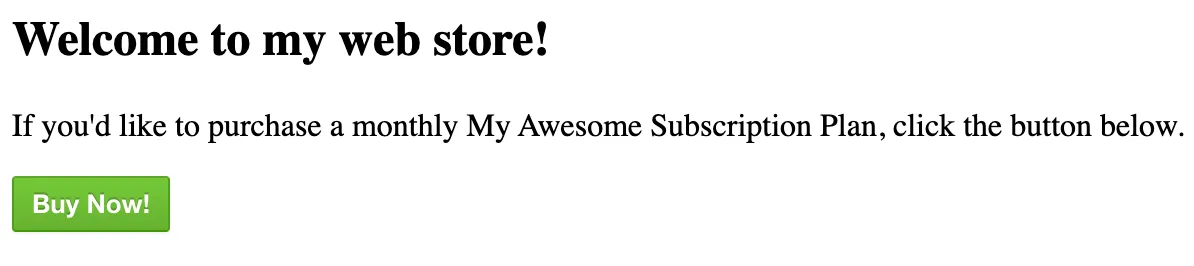
Launch the test store web page that you saved at the end of the previous stage. You should see a green Paddle button as per the example below:
-
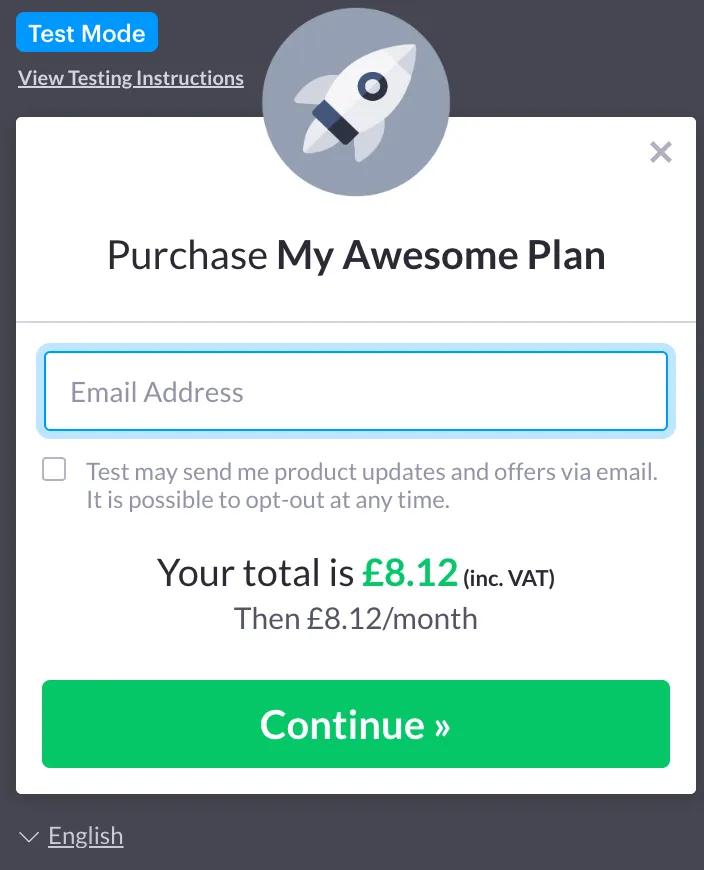
Click the Buy Now! button to load the Paddle overlay checkout:
-
Enter your email address and click the Continue button.
-
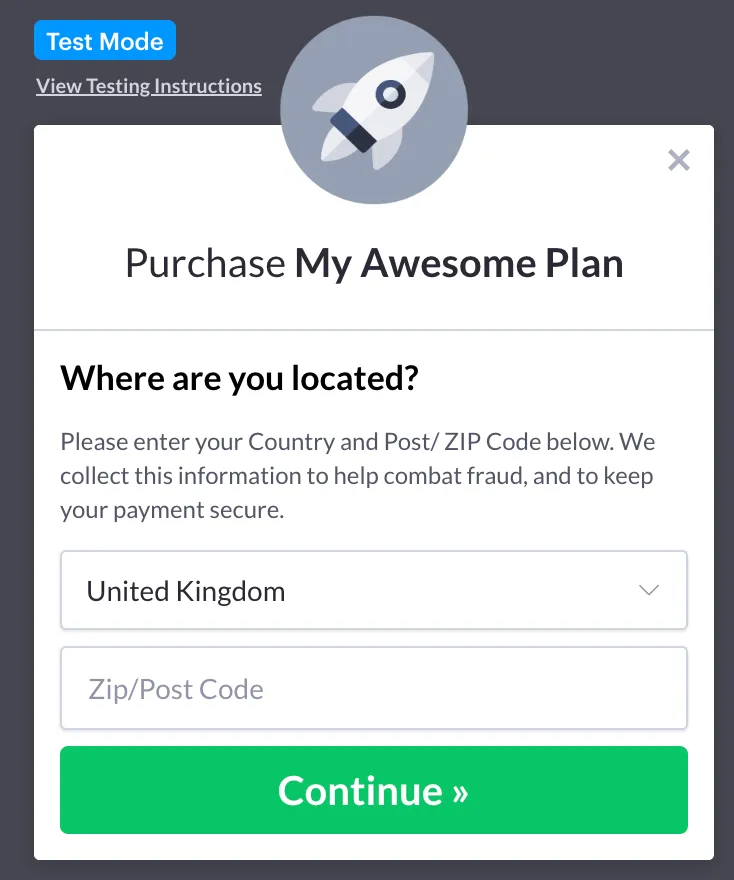
When prompted, choose a Country and (if applicable) enter a Postcode, then click the Continue button.
-
When available payment types are displayed, select the Pay by Card option:
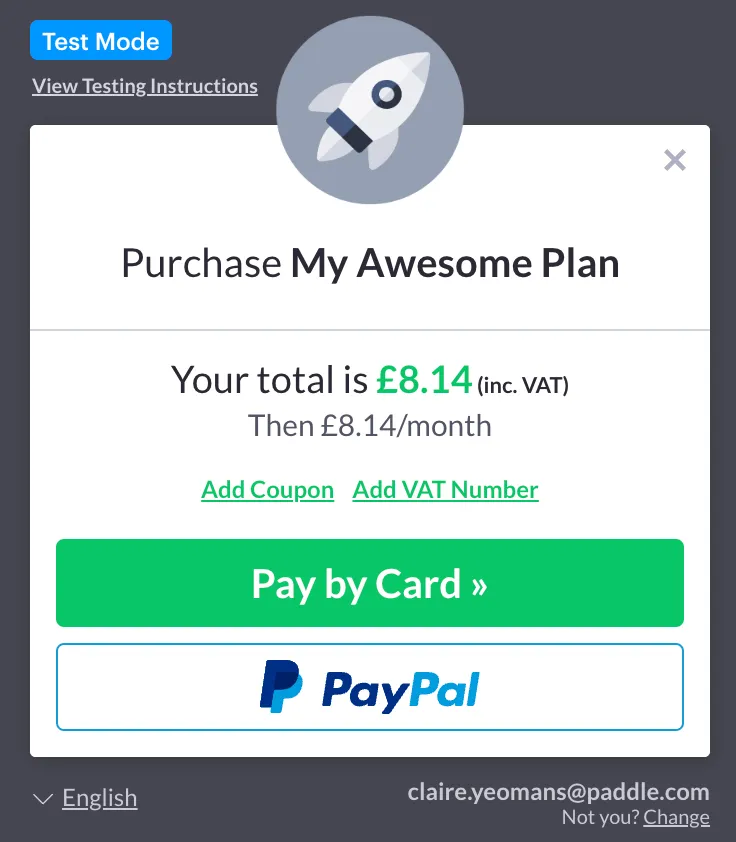
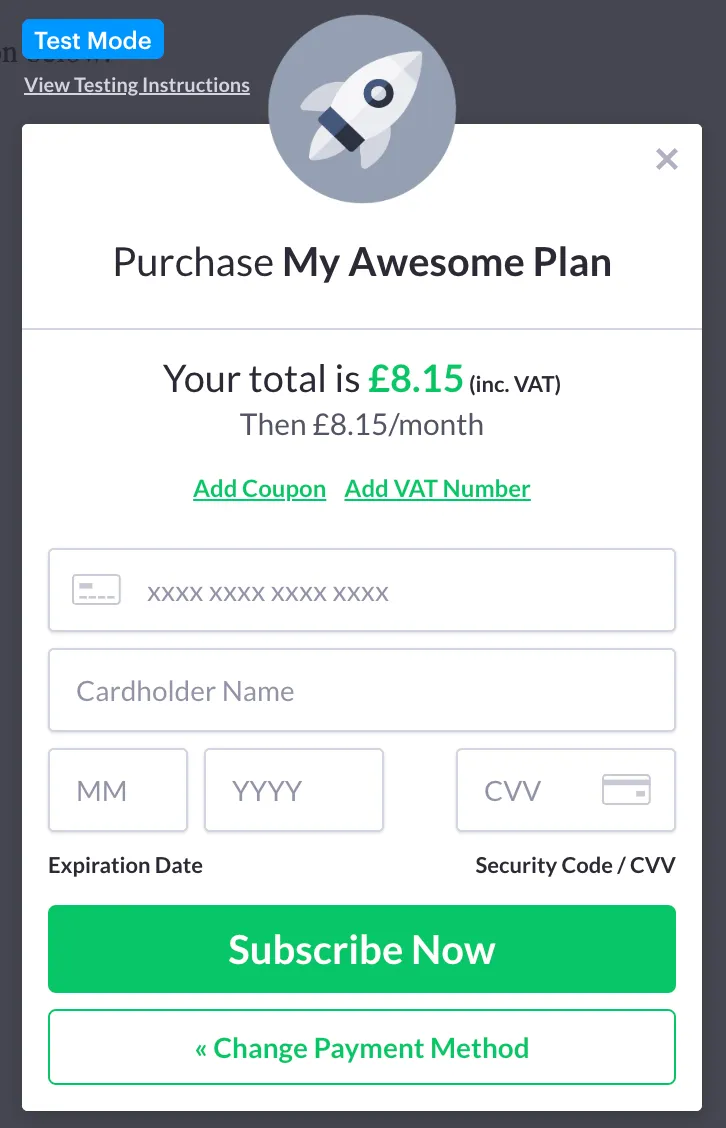
…you are prompted to enter card details:
-
Enter 4242 4242 4242 4242 as the card number, with any valid expiry date in the future and any random CVC number.
-
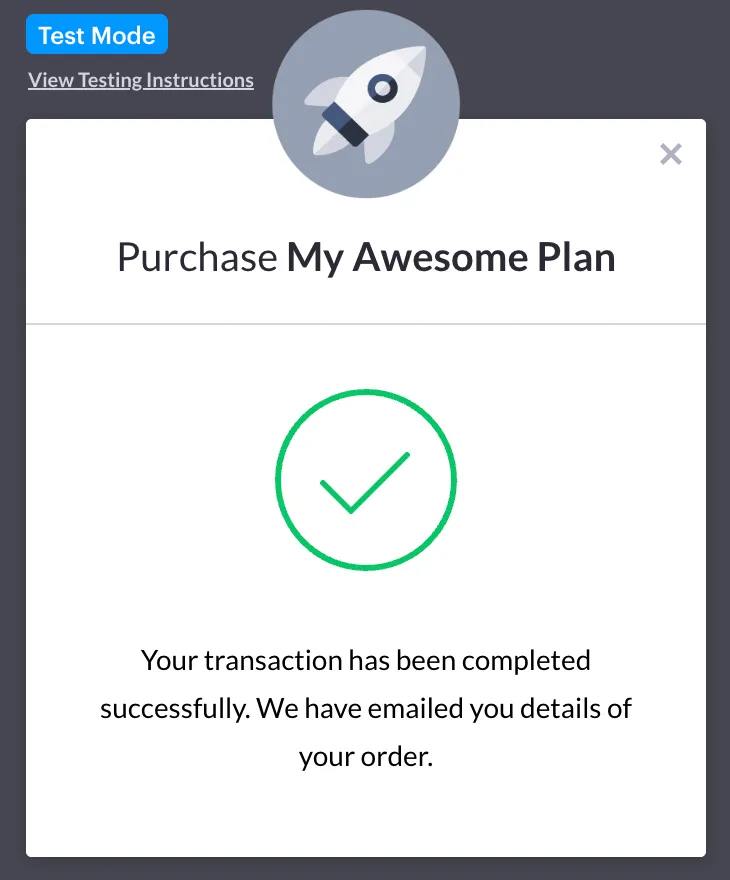
Click the Subscribe Now button. Paddle processes the transaction and you should receive a successful outcome — for example:
-
Check your webhook endpoint to ensure that expected alerts (as defined previously) are received.
Next steps
Section titled “Next steps”Getting Started tasks are now complete! We hope you now have a broad understanding of key areas to consider when implementing Paddle.
See resources below if you’re ready to explore further!
Learning
Section titled “Learning”| Resource | Summary |
|---|---|
| Getting started learning guides | If you’re new to Paddle or subscriptions, check these resources for some of the basics. |
| Paddle guides | Read through a range of How-To and Conceptual guides, covering all aspects of Paddle functionality. |
| Paddle API reference | Take a deep dive into the Paddle API to find out how you can integrate Paddle functionality with your platform. |
| Paddle webhooks reference | Receiving (and acting upon) event alerts from Paddle is an important part of any integration. Check our reference for available alerts and expected payloads. |