

Post-checkout
Checkout Success & Close Callbacks
Section titled “Checkout Success & Close Callbacks”Upon your checkout being completed successfully, or being closed/abandoned, you may wish to take additional actions, for example loading a Thank You page or showing a message to the user.
Paddle’s checkout supports successCallback and closeCallback parameters, which specify JS functions that are fired upon the checkout completing a transaction or being closed, respectively.
You can specify an anonymous function or pass in the name of a explicitly defined function, for example:
function checkoutClosed(data) {  console.log(data);  alert("Your purchase has been cancelled, we hope to see you again soon!");}
function checkoutComplete(data) {  console.log(data);  alert("Thanks for your purchase.");}
Paddle.Checkout.open({ product: 12345, email: "example@paddle.com", passthrough: 1939284, successCallback: "checkoutComplete", closeCallback: "checkoutClosed",});Success and Close Callbacks can also be specified on a Paddle purchase button with the equivalent HTML data attributes data-success-callback and data-close-callback. If setting callbacks with data attributes, you must specify an explicit JavaScript function name.
Checkout Complete Popup
Section titled “Checkout Complete Popup”The Paddle Checkout has several options on what to do on a completed checkout, by default the checkout will show a ‘Success’ message indicating that the transaction was successful.
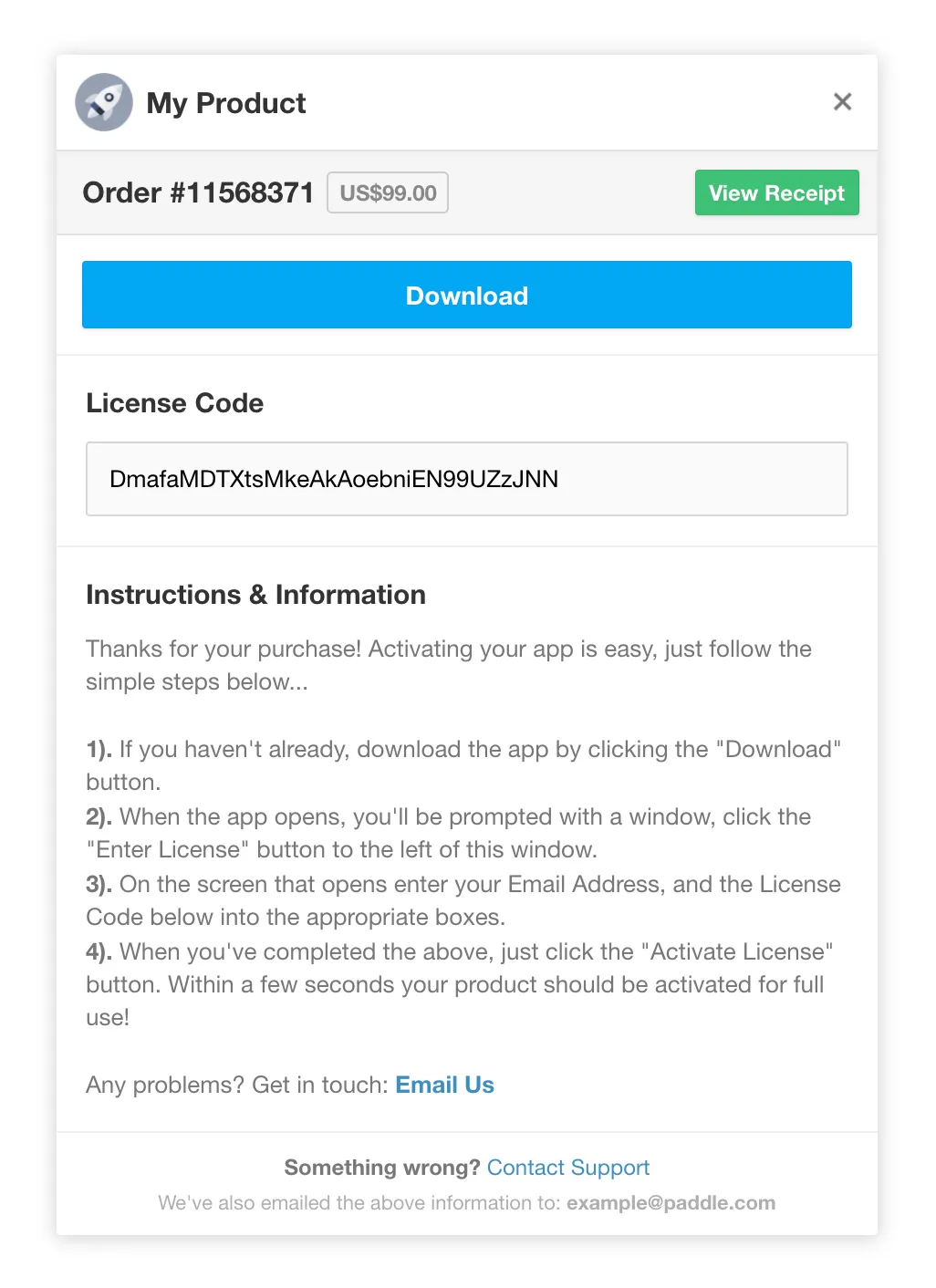
One option is to display a popup containing order, receipt and payment information as an alternate success screen.
You can enable the Checkout Complete Popup in the Setup() function of Paddle.js by setting completeDetails to true.
Order Details
Section titled “Order Details”You may wish to display to the customer’s order, license or transaction information, on your Thank You page after a checkout completes.
Paddle.js provides the Paddle.Order.details method to pull the transaction data on checkout complete. You can also call the Order Details API directly.
The best way to use the method is to call it within the Paddle.js eventCallback. This allows you to create a process where the customer’s order information is immediately available to the customer once the checkout has completed.
For example, you can listen for a successful checkout using the event callback, retrieve the checkout ID and pass it into the Paddle.Order.details method:
Paddle.Setup({ vendor: 1234567, eventCallback: function (data) { if (data.event === "Checkout.PaymentComplete") { // Check to ensure the payment has not been flagged for manual fraud review if (!data.eventData.flagged) { var checkoutId = data.eventData.checkout.id; Paddle.Order.details(checkoutId, function (data) { if (!!data) { // Order data, downloads, receipts etc... available within 'data' variable console.log(data); } else { // Order processing delay - order details cannot be retrieved at the moment console.log("Order is being processed"); } }); } else { // Payment has not been fully processed at the moment, so order details cannot be retrieved console.log("Transaction pending review"); } } },});If you’re delivering a license key for a one-time product, the key will be inside a lockers object returned in the response.